Big Valley Self Storage
Spaces
Size Guide
Reviews
Storage Units in Bieber, CA
Only 5 left - Rent soon!
5' x 10'
In-Store
$64
Starting at
$59
- Pay By Phone
- Electronic Door Lock
- Pay By ACH
- Protection Plan

10' x 10'
In-Store
$95
Starting at
$90
- Online Rentals
- Electronic Door Lock
- Pay By ACH
- Protection Plan
10' x 20'
In-Store
$150
Starting at
$145
- Online Rentals
- Electronic Door Lock
- Pay By ACH
- Protection Plan
Size Disclaimer
Sizes advertised for rent are approximate only; units or spaces at the property may differ slightly in shape a... See more
Facility Information
Big Valley Self Storage Bieber
24 Hour Security Cameras
Rent By Phone
Contactless Storage Rentals
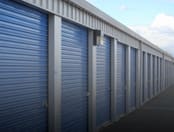
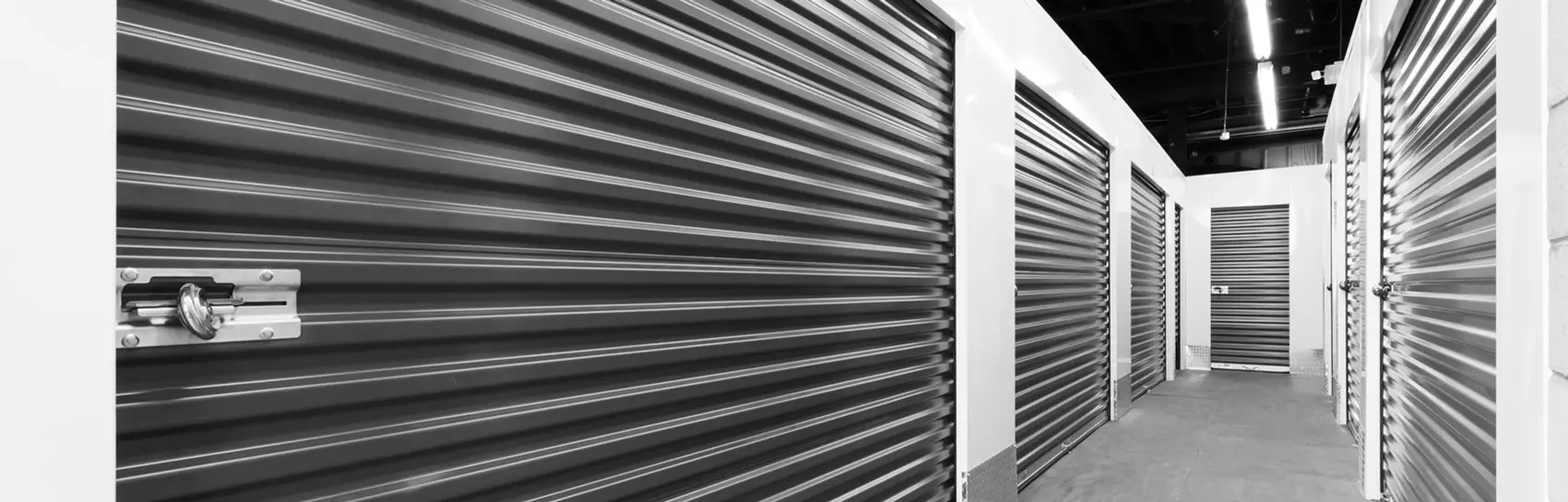
Roll Up Storage Doors
Touchless Rentalsâ„¢
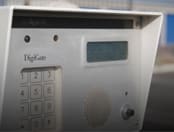
Gated Entry
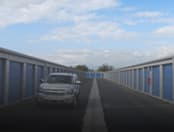
Drive-up Storage Access
Online Storage Rental
Online Bill Pay
Storage Protection Plan Available
All tenants have access during gate hours between 7am-7:55 pm (tenants must be off site before 8pm when gate operations shut down.
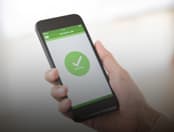
You should receive a rental confirmation (containing your gate code). You should receive the "storid" app which will allow you to access the gate and unlock your digital door lock on your unit.
Try deleting the app and downloading it again, if the problem continues contact the office during office hours mon-fri 9-5.
Gate will not operate after closing hours, all tenants must be off property no later than 7:59pm to ensure they don't get stuck in.
Make sure the settings on your phone allow for popups, this can prevent the link to upload your picture using your phone from working and can cause the rental process to freeze. If you still have difficulty contact our office and we will try to assist you during our office hours Mon-Fri 9-5.
You Should have received a code with your storid link (not your gate code) this is what you enter when reregistration the storid mobil app, if not contact our office during office hours mon-fri 9-5.
Our lease is month to month.
Tenants have access from 7-7:55 daily but must be off site before 8 to prevent getting locked on property
The majority of our units have digital locks attached to the doors, we have limited non digital latches that do require a lock. Call for availability
It is recommended waiting at least 30 sec. to 1 minute after accessing property before punching the button on your lock to allow the software to send the signal from the keypad to the digital lock that you are on site. If this does not work exit property, re-enter and try again.
this may be caused by using the same number of a relative or friend already renting at the facility. The software will not send the app to a different customer with a duplicate number of a current tenant. Contact the office so we may input a different number, then we can manually re-send the app.
take a picture of the empty unit & either text or email us the image and notify the office that your have vacated unit. Close door and lock unit when leaving property.
No Reviews
Rate and Review
24 Hour Security Cameras
Rent By Phone
Contactless Storage Rentals
Roll Up Storage Doors
Touchless Rentalsâ„¢
Gated Entry
Drive-up Storage Access
Online Storage Rental
Online Bill Pay
Storage Protection Plan Available
All tenants have access during gate hours between 7am-7:55 pm (tenants must be off site before 8pm when gate operations shut down.
You should receive a rental confirmation (containing your gate code). You should receive the "storid" app which will allow you to access the gate and unlock your digital door lock on your unit.
Try deleting the app and downloading it again, if the problem continues contact the office during office hours mon-fri 9-5.
Gate will not operate after closing hours, all tenants must be off property no later than 7:59pm to ensure they don't get stuck in.
Make sure the settings on your phone allow for popups, this can prevent the link to upload your picture using your phone from working and can cause the rental process to freeze. If you still have difficulty contact our office and we will try to assist you during our office hours Mon-Fri 9-5.
You Should have received a code with your storid link (not your gate code) this is what you enter when reregistration the storid mobil app, if not contact our office during office hours mon-fri 9-5.
Our lease is month to month.
Tenants have access from 7-7:55 daily but must be off site before 8 to prevent getting locked on property
The majority of our units have digital locks attached to the doors, we have limited non digital latches that do require a lock. Call for availability
It is recommended waiting at least 30 sec. to 1 minute after accessing property before punching the button on your lock to allow the software to send the signal from the keypad to the digital lock that you are on site. If this does not work exit property, re-enter and try again.
this may be caused by using the same number of a relative or friend already renting at the facility. The software will not send the app to a different customer with a duplicate number of a current tenant. Contact the office so we may input a different number, then we can manually re-send the app.
take a picture of the empty unit & either text or email us the image and notify the office that your have vacated unit. Close door and lock unit when leaving property.